Installation Fails Because Requested Permissions Cannot Be Granted
Change the Application Permission Level
Solution:
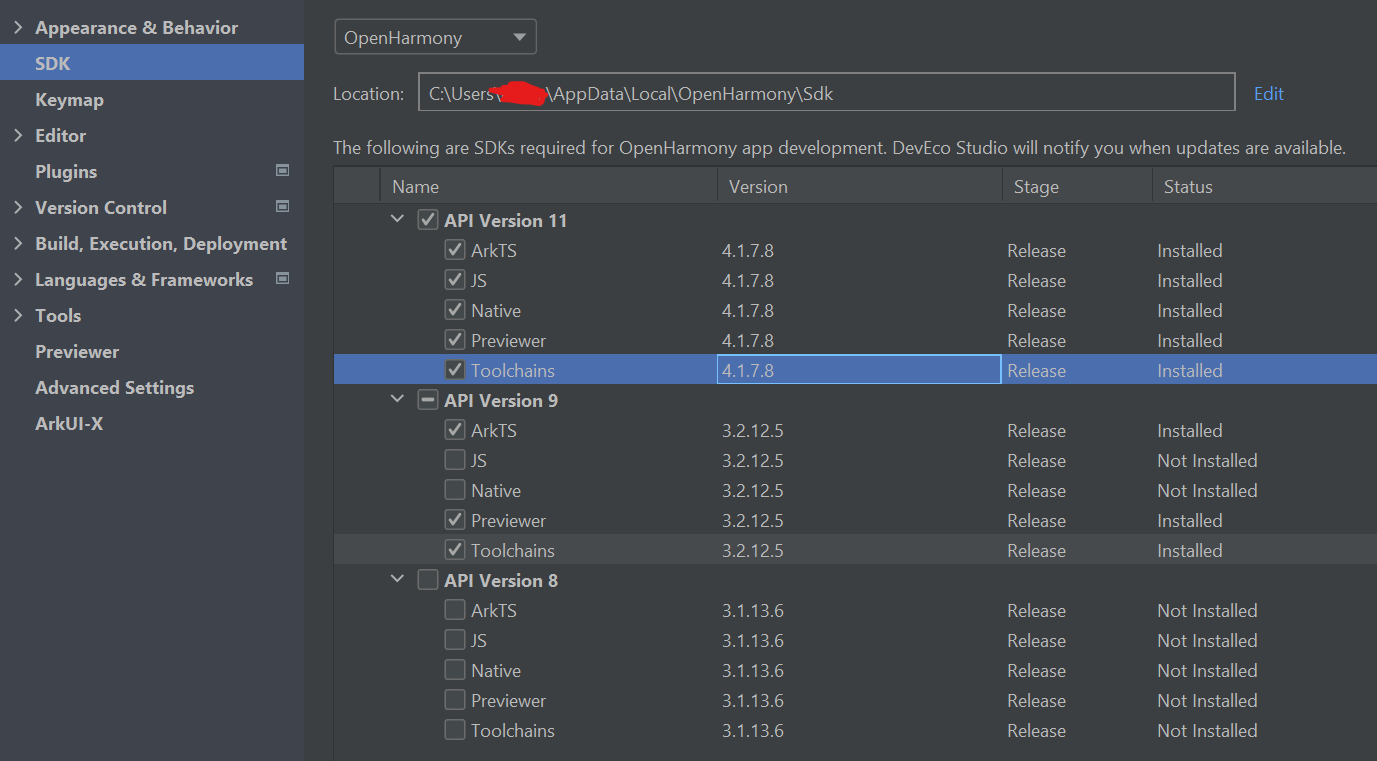
1. Open the directory where the OpenHarmony SDK is located (you can view it by clicking Tools > SDK Manager > OpenHarmony SDK in the DevEco Studio menu bar).
-
Navigate to the Toolchains > {Version} > lib folder under the SDK directory, and open the
UnsignedReleasedProfileTemplate.jsonfile.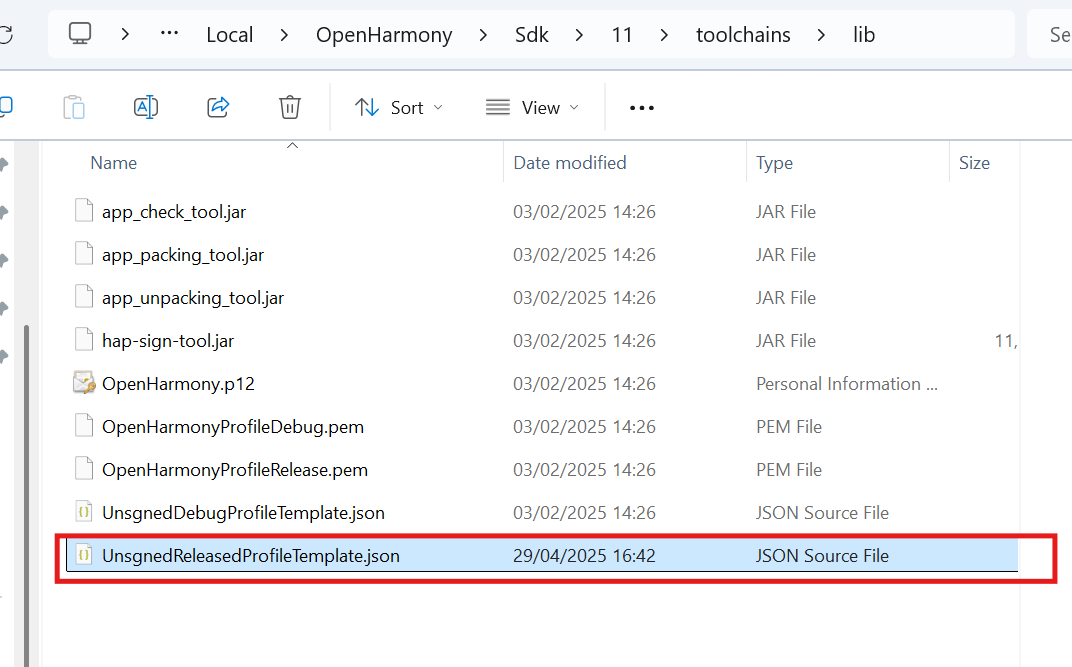
-
Change the parameter in
bundle-infoas follows:
Note
If switching the system permissions does not work, try regenerating the automatic signature files.