app-rnoh-example
Example React Native application for Oniro/OpenHarmony.
This project provides a template for React Native applications on OpenHarmony and introduces the fundamentals of building cross-platform applications with React Native.
The code is divided into two directories:
- oh-app: OpenHarmony application template serving as a container for the React Native app.
- rnoh-app: The actual React Native app embedded in oh-app.
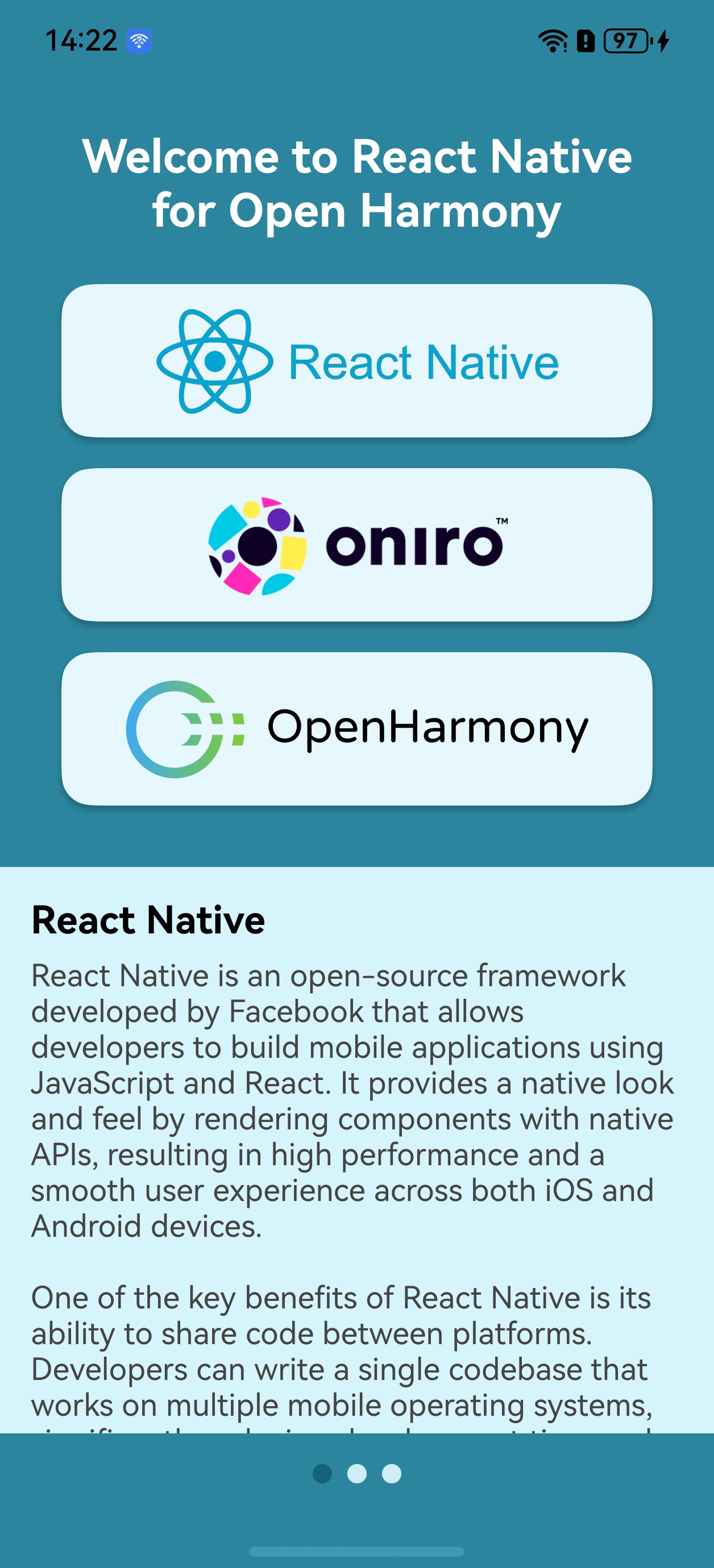
|
Functionalities of the Application |
|---|---|
The app demonstrates React Native features for building interactive and animated UIs. |
A quick how-to
The code of the sample application has already been prepared and adapted for compilation with RN, it can serve as a template for other apps.
Note: Before using the quick build, ensure you have completed all the steps outlined in the prerequisites section. The quick build will not work correctly unless these prerequisites are met.
- Download project and dependent libraries:
$ git clone https://github.com/eclipse-oniro4openharmony/app-rnoh-example.git
$ cd app-rnoh-example/rnoh-app
$ npm i @react-native-oh/react-native-harmony
$ cd ../oh-app
$ ohpm i @rnoh/react-native-openharmony
- Create a JS bundle with RN app:
- Copy generated bundle to the OH app:
Copy the entire contents of the directory:
to the directory: 4. Compile the oh-app with the DevEco. ChooseFile > Sync and Refresh Project before compilation.
Detailed instructions
The project in this repository is already configured and adapted for use as an application template. To create an RNOH application from scratch, embed the React Native application in an OpenHarmony application that acts as a container and bridge between the system and the React Native application.
In case of project compilation issues, go directly to the Troubleshooting section.