Setup
Installing the Tools
Install Oniro IDE from either the Visual Studio Marketplace or the Open VSX Registry.
To install Oniro App Builder, follow the instructions on GitHub.
Note
Make sure that you have JDK installed and that it's available on PATH, because it's needed for app signing.
Downloading the SDK and Command-Line Tools
For full functionality, install the command-line tools and an SDK version compatible with your target device.
Note
The emulator runs OpenHarmony 6.1 (API level 23).
Warning
On Windows or macOS, download only the SDK at this stage. The next section explains how to download the command-line tools for these systems.
Open the SDK Manager tab.
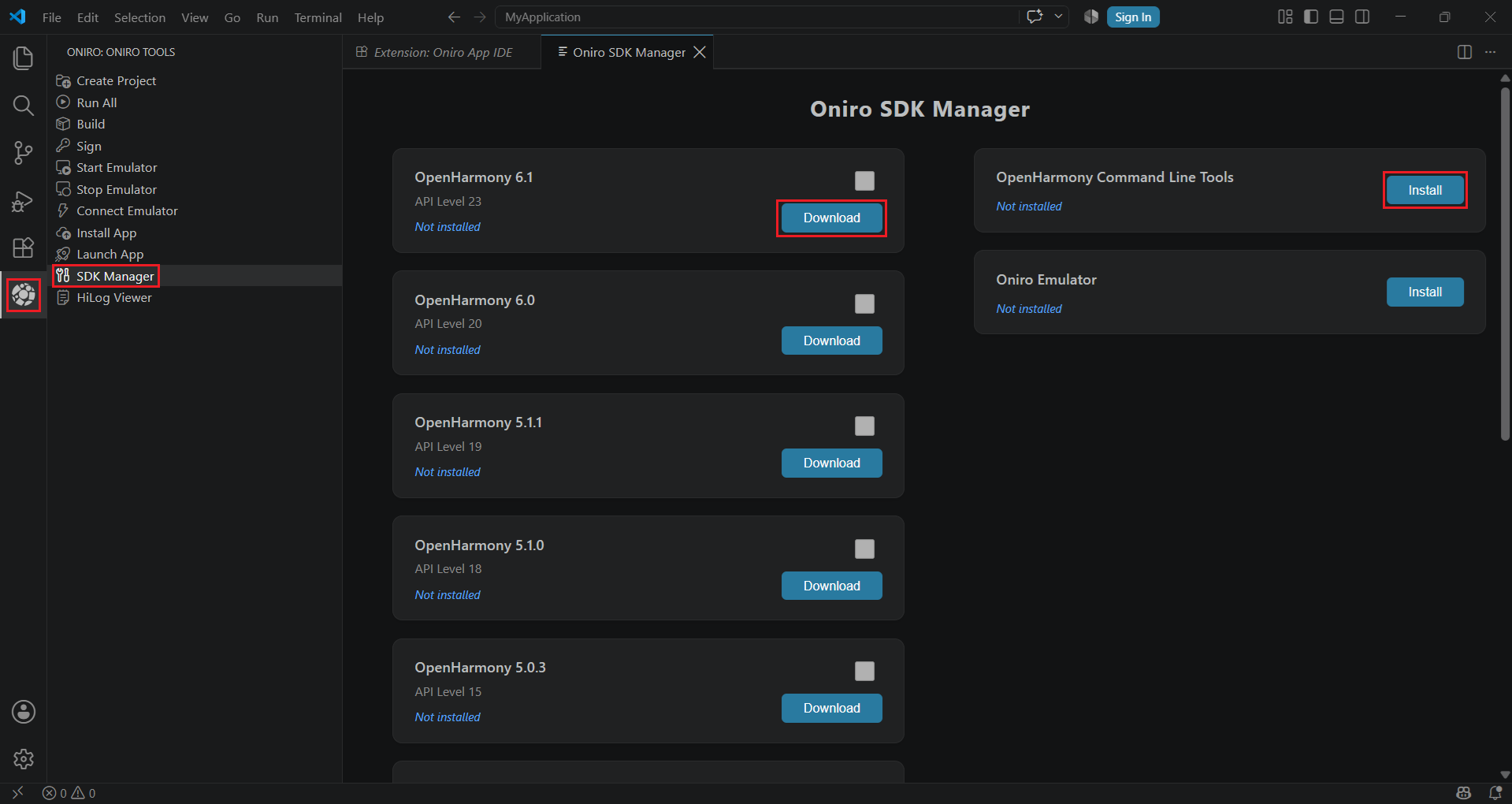
Click Download next to the SDK version you want, and Install in the command-line tools box.
Install the SDK with:
oniro-app sdk install 6.1 (or another version)
For command-line tools, run:
oniro-app cmdtools install
Command-Line Tools on Windows and macOS
The command-line tools for Windows and macOS cannot be downloaded automatically. Download them from the Huawei Developer website.
Click Install in the command-line tools box on the SDK Manager tab. When prompted, select the ZIP archive that you downloaded from the Huawei Developer website.
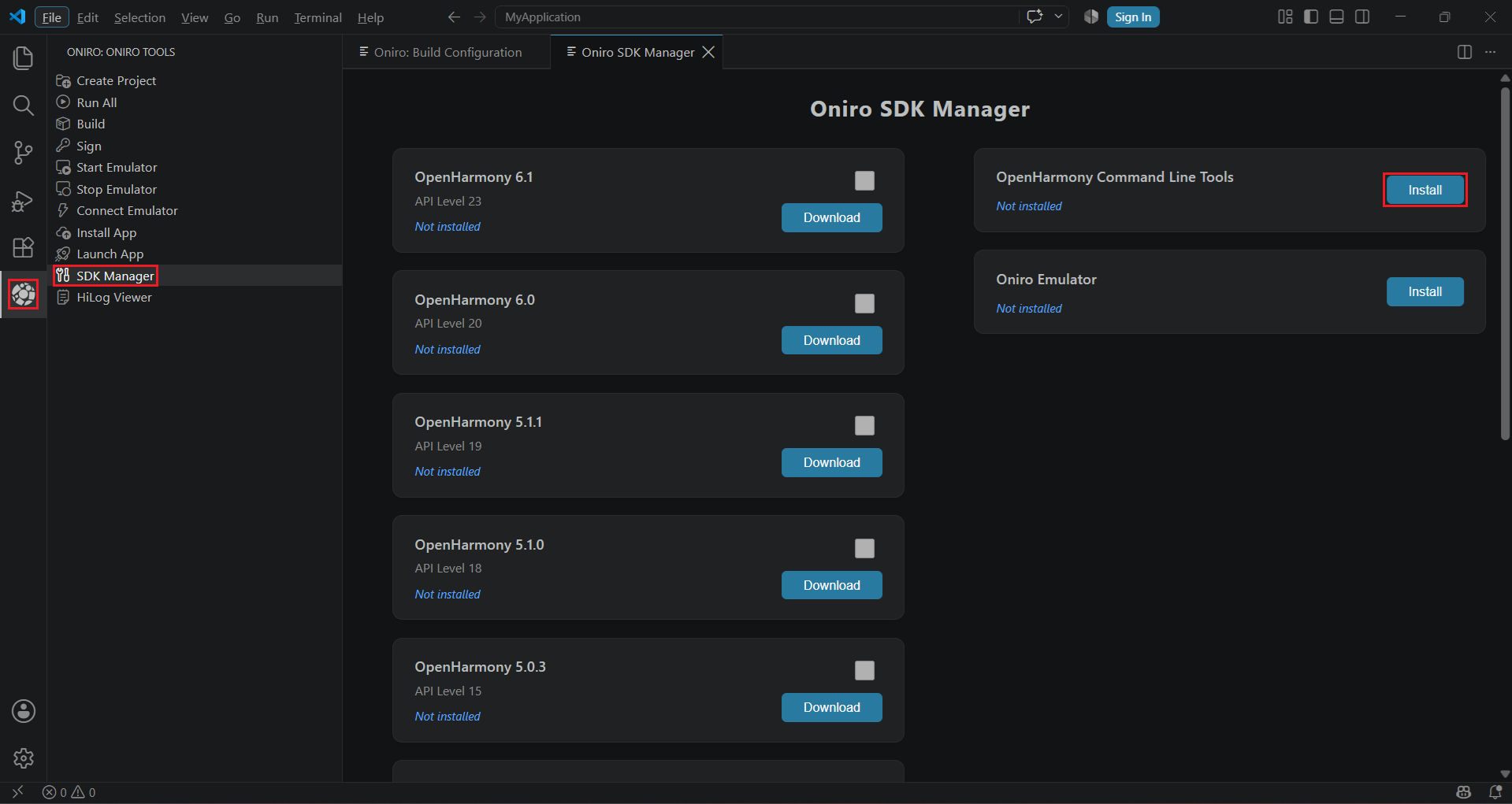
Run oniro-app cmdtools install --from-zip <path to your zip>.
Downloading the Emulator
The emulator requires QEMU and uses a host-specific accelerator:
- Linux: KVM must be enabled and accessible to the current user.
- Windows: enable Windows Hypervisor Platform. The launcher also requires Git Bash, MSYS2, or Cygwin.
- macOS: Intel Macs use Hypervisor.framework; Apple Silicon Macs use TCG emulation, which is slower.
Tip
A window manager that forces the QEMU window to a fixed size can cause display problems. If you encounter problems, ensure that the QEMU window is floating and is not being resized automatically.
First, install QEMU and ensure that qemu-system-x86_64 is on PATH.
Inside IDE or App Builder
Download the emulator from the SDK Manager tab. Use the Start Emulator and Stop Emulator buttons to manage it.
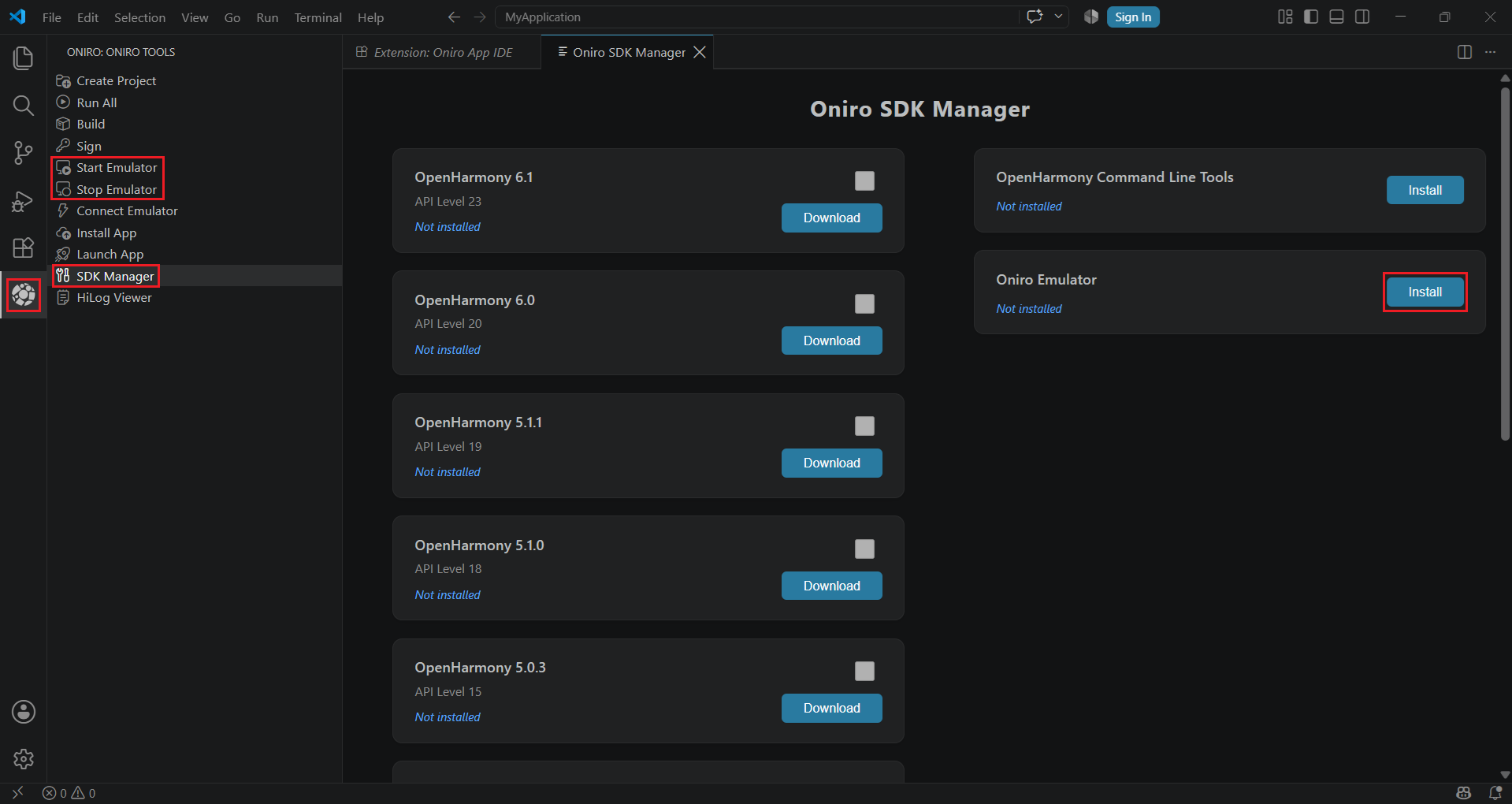
Install the emulator with oniro-app emulator install.
You can manage the emulator with:
oniro-app emulator startoniro-app emulator stop
Standalone
You can also download the emulator directly. After extracting the ZIP archive, run run.sh on Linux or macOS, or run.bat on Windows.